Store-to-Store Transfers
A store-to-store (S2S) transfer moves stock that exceeds expected demand at one store to another store where the same product is about to run out.
MerchFlow makes store-to-store transfer decisions with demand forecasting and stochastic optimization.
Why store-to-store transfers?
The same product can sit on one store’s shelf while another store sells out. When the warehouse runs low or the season is ending, the fastest way to save the sale is to move the stock to where it will sell.
Every transfer carries a handling cost and an operational load. A good transfer decision sets which product moves, from which store to which and how much, by weighing the expected sale against the cost. It reduces dead stock through inter-location balancing without creating needless shipments.
How a transfer decision is made
Forecast demand
How much each product will sell at each store in the coming period is forecast, uncertainty included.
Find excess and shortfall
Current stock is compared with the target: stores above it become candidate senders, stores below it candidate receivers.
Weigh each move
The expected sale at the receiving store is weighed against handling cost and constraints such as allowed routes and minimum transfer quantities.
Propose the moves
Transfer and warehouse shipment proposals are prepared together, and the plan is compared across scenarios before it runs.
See a transfer proposal live
Change the service level and every store’s target stock changes. The excess at the store above target is transferred to the store with the largest gap; the rest ships from the warehouse.
 MerchFlow / What-If SimulationAllocation Agent running
| Store | Stock | Demand (4 wk) | Target | Action |
|---|---|---|---|---|
| Kadıköy | 18 | 41 ± 9 | 56 | +38 ship |
| Çankaya | 32 | 27 ± 7 | 39 | +7 ship |
| Alsancak | 44 | 19 ± 6 | 29 | −15 excess |
| Nilüfer | 9 | 22 ± 6 | 32 | +23 ship |
- From DC
- 53 units
- Stock-out risk per store
- ≈ 5.0%
Illustrative data. Target stock = demand forecast + z × σ; the slider sets z.
Store-to-store transfers in MerchFlow
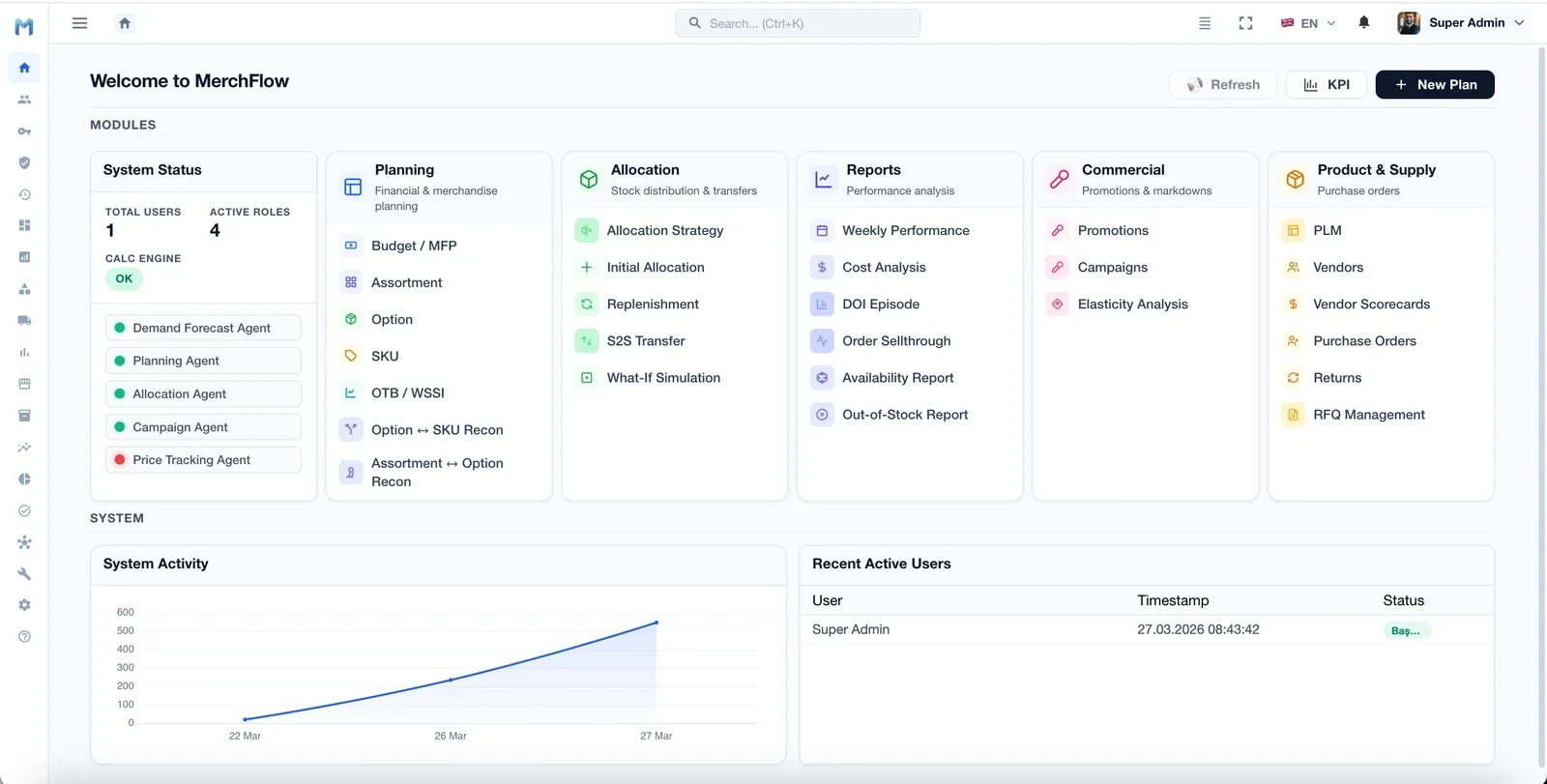
In MerchFlow, transfers are managed in the S2S Transfer module of the Allocation group. Replenishment and What-If Simulation sit in the same group, so transfers, warehouse shipments and scenario comparison are planned side by side.
Related modules on screen
- S2S Transfer
- Store-to-store transfer proposals
- Replenishment
- Refilling store stock to demand
- What-If Simulation
- Seeing a scenario’s effect before acting on it
- Availability Report
- Tracking product availability
Data this decision needs
- Current stock by store
- Sales history at SKU-store level
- Store data and regions
- Handling and transport costs
- Allowed transfer routes
- Minimum transfer quantities
Frequently asked questions
What is a store-to-store (S2S) transfer?
A store-to-store transfer moves stock that exceeds expected demand at one store to another store where the same product is about to run out. The aim is to sell more from the same stock and to reduce dead stock through inter-location balancing.
When is a transfer better than shipping from the warehouse?
When the warehouse is short, the product is nearing the end of its season, or stock has built up well beyond expected demand at one store, a transfer can be faster and cheaper. The decision comes from weighing the expected sale at the receiving store against the cost of the move.
Which constraints does transfer optimization consider?
Typical constraints are handling cost, allowed store pairs or regions, minimum transfer quantity, store capacity and the shipping calendar. Which ones apply is settled during discovery, based on how your operation works.
Does MerchFlow work with our existing ERP?
We integrate with SAP, Logo, Netsis, Salesforce and similar common systems via APIs, database connections or file-based exchange. We don’t ask you to replace existing systems; our solutions sit on top of your current stack as a layer that feeds and is fed by it.
Let's plan a demo on your own data
The initial discovery call is free. Tell us your scenario and we'll propose a roadmap.
Request a Demo