Automated Replenishment
Automated replenishment is the system-driven refilling of store and warehouse stock based on demand forecasts and target stock levels.
MerchFlow makes replenishment decisions across millions of SKUs with demand forecasting and stochastic optimization.
Why automate replenishment?
Excess stock ties up cash; stockouts lose sales. Replenishment that runs on fixed min-max values per store falls behind when demand shifts with the season, a promotion or a price change: one store’s shelf empties while the same product piles up at another.
Across thousands of store and product combinations, that balance cannot be kept by hand. Automated replenishment recalculates the target stock every planning cycle from the latest forecast and turns the shipping need into a ready proposal.
How automated replenishment works
Forecast demand
Demand for the coming period is forecast for every product and store, together with its uncertainty.
Set the target stock
A safety margin sized to the chosen service level is added to expected demand: target stock = forecast + z × σ.
Measure the gap
Current stock is compared with the target: stores below it need replenishment, stores above it hold excess.
Propose shipments
The need is met by shipments from the warehouse or transfers from stores with excess, and the effect of different service levels is compared before anything ships.
Change the service level
The slider sets the stock-out risk accepted per store. As the service level rises, the safety margin grows, the target stock goes up and the shipment plan is recalculated.
 MerchFlow / What-If SimulationAllocation Agent running
| Store | Stock | Demand (4 wk) | Target | Action |
|---|---|---|---|---|
| Kadıköy | 18 | 41 ± 9 | 56 | +38 ship |
| Çankaya | 32 | 27 ± 7 | 39 | +7 ship |
| Alsancak | 44 | 19 ± 6 | 29 | −15 excess |
| Nilüfer | 9 | 22 ± 6 | 32 | +23 ship |
- From DC
- 53 units
- Stock-out risk per store
- ≈ 5.0%
Illustrative data. Target stock = demand forecast + z × σ; the slider sets z.
Replenishment in MerchFlow
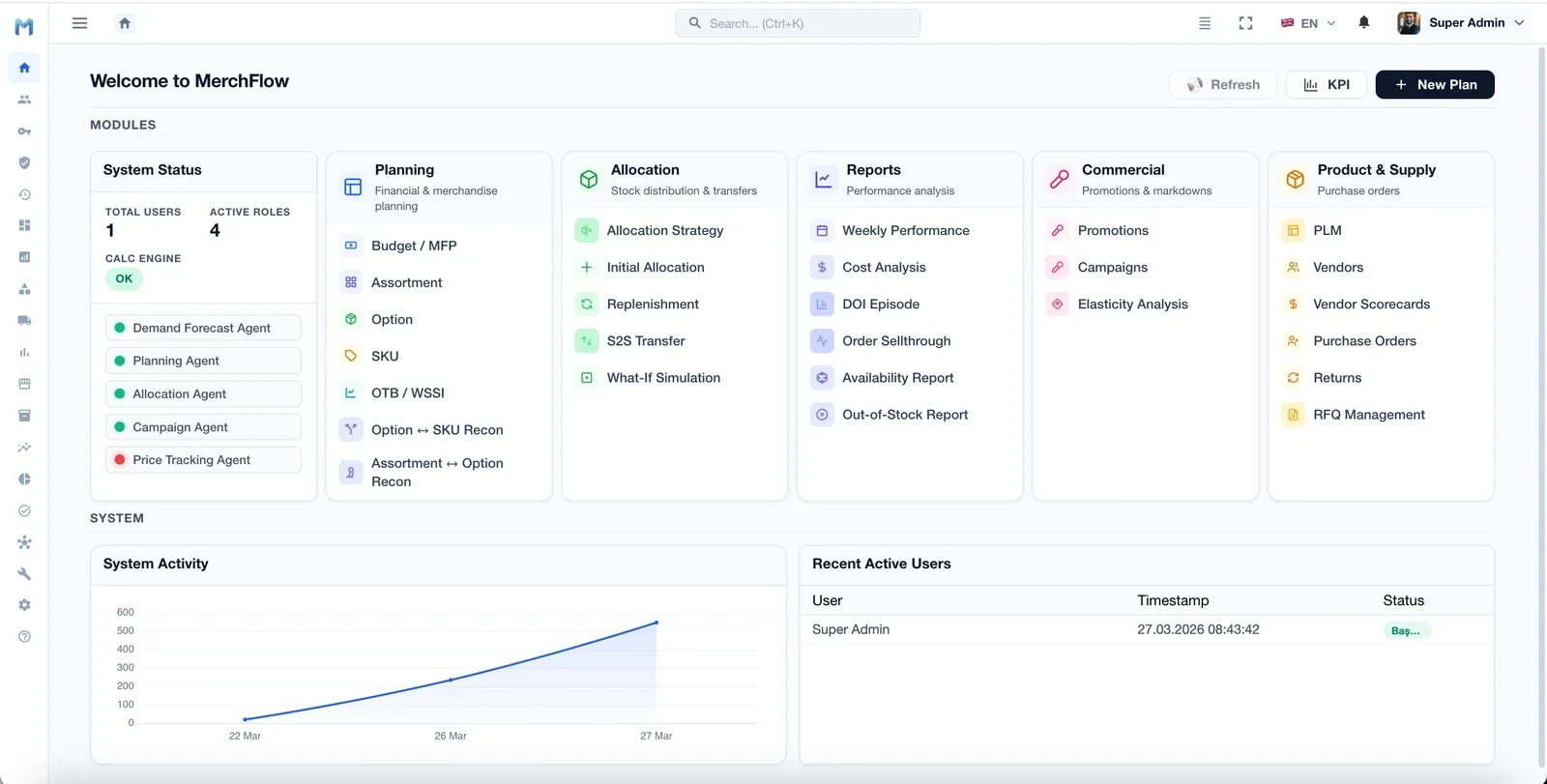
In MerchFlow, replenishment is managed in the Replenishment module of the Allocation group. Decisions are made with demand forecasting and stochastic optimization; What-If Simulation in the same group compares scenarios before they are applied, and availability and stock-outs are tracked by reports in the Reports group.
Related modules on screen
- Replenishment
- Refilling store and warehouse stock to demand
- What-If Simulation
- Seeing a scenario’s effect before acting on it
- Availability Report
- Tracking product availability
- Out-of-Stock Report
- Tracking products and stores that ran out
Data this decision needs
- Sales history at SKU-store level
- Store and warehouse stock
- Product and store master data
- Prices
- Supply and delivery lead times
- Past replenishment records
Frequently asked questions
What is automated replenishment?
Automated replenishment is the system-driven refilling of store and warehouse stock based on demand forecasts and target stock levels. Because it works from a forecast refreshed every cycle rather than fixed min-max rules, it aims to reduce stockouts and excess stock at the same time.
How is safety stock set?
Safety stock is the margin added on top of expected demand to cover its uncertainty. The common rule is z × σ: σ is the standard deviation of demand and z is the factor for the target service level; for a 95% service level, z is about 1.65.
What is the difference between replenishment and allocation?
Allocation is the first distribution of newly arrived products to stores; replenishment refills store stock to demand once selling has started. In MerchFlow they are separate modules: Initial Allocation and Replenishment.
How long does a replenishment pilot take?
Depending on scope, discovery typically takes 2–4 weeks and the pilot (PoC) 4–8 weeks. Pilot scope depends on the selected category, channel and data quality; production rollout varies with integration complexity.
Let's plan a demo on your own data
The initial discovery call is free. Tell us your scenario and we'll propose a roadmap.
Request a Demo